So, I Built a Smarter WordPress Booking System… and I Like It More Than Calendly
Ever spent hours bouncing between booking tools, trying to make them actually match your website’s style? Yeah—me too. I’m Anthony Richter, a digital strategist and WordPress developer, and lately I’ve been on a bit of a mission: to create a clean, branded booking system that lives inside WordPress, not floating somewhere else on the internet like an alien widget.
After some late nights and too much coffee, I landed on a combo that works ridiculously well: WP Amelia, Bricks Builder, and Oxygen Builder. Together, they let you build booking flows that look great, feel fast, and stay 100% yours—no ugly third-party popups or mismatched styles.
Why I Finally Stopped Using Calendly
Calendly is fine. It’s clean, easy, and familiar. But for a digital strategist (or any business owner) who wants control over brand, flow, and customer data, it’s limited. You can’t truly design around it, and you’re at the mercy of their interface and pricing.
With WP Amelia, you can fully integrate scheduling into your WordPress site—bookings, payments, email reminders, and all. It supports multiple team members, locations, and even recurring appointments. And the best part: it’s not SaaS. You own it.
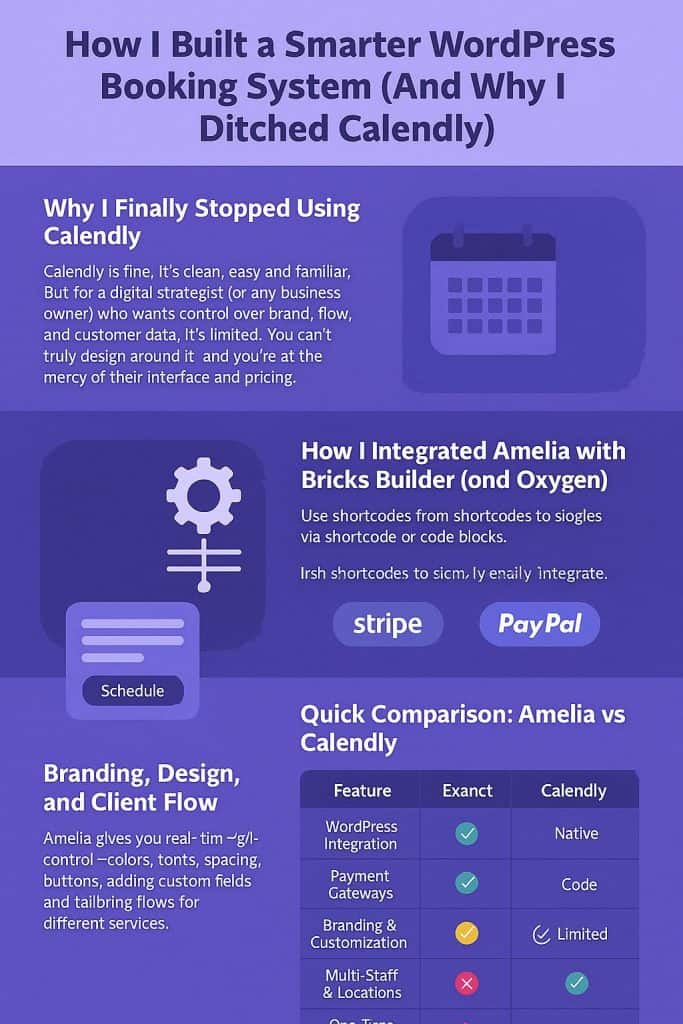
How I Integrated Amelia with Bricks Builder (and Oxygen)
There’s no fancy built-in block for Amelia yet, but it doesn’t really need one. Just grab your shortcode from Amelia, drop it into a Bricks shortcode wrapper, and style it like you would any other part of your layout. Use conditions, dynamic data, or even custom CSS classes if you want fine-grained control.
For Oxygen, it’s nearly identical—insert a shortcode or code block and you’re done. The main gotcha: disable JS minification or caching (like WP Rocket) if the form doesn’t show right away. Trust me, I learned that one the hard way at 1:00 a.m.
Branding, Design, and Client Flow
Amelia gives you real-time design control—colors, fonts, spacing, buttons, the whole thing. You can even add custom fields for intake questions or tailor different flows for different services. For agencies and freelancers, that’s a game-changer. Your booking page actually looks like your brand, not someone else’s.
In one of my client projects here in Kansas, we built a branded booking portal for a fitness studio. People can schedule classes, pay upfront, and even get text reminders—all without leaving the site. It feels smooth, personal, and totally custom. And that’s the kind of experience I want my clients to have too.
Quick Comparison: Amelia vs Calendly
| Feature | WP Amelia | Calendly |
|---|---|---|
| WordPress Integration | ✅ Native | ❌ External |
| Payment Gateways | ✅ Stripe / PayPal | ✅ (Premium) |
| Branding & Customization | ✅ Full Control | ⚠️ Limited |
| Multi-Staff & Locations | ✅ Yes | ⚠️ Limited |
| One-Time Purchase Option | ✅ Yes | ❌ No |
| Data Ownership | ✅ Yours | ❌ Theirs |
In short: if you want simplicity, go with Calendly. If you want ownership and flexibility, Amelia’s your tool.
Final Thoughts (and a Bit of Honesty)
I’ll be honest—this setup took some tinkering. There were moments where I thought, “why am I doing this instead of just embedding a calendar link?” But once it clicked, the control and polish were worth every minute.
If you’re a business owner or digital designer who’s tired of disconnected tools and wants your site to do more for you, give Amelia a real shot. It’s not perfect—but when it’s tuned right, it feels like magic.
And if you ever wanna chat about how to streamline or automate your own digital system—reach out at AnthonyRichter.com. I love this stuff, typos and all.
