CPTs vs ACF Fields — When to Use What (and Why It Matters in Bricks & Oxygen)
If you’ve ever worked with WordPress and used Advanced Custom Fields (ACF Pro), you’ve probably wondered — when should I create a Custom Post Type, and when should I just add custom fields to existing posts or pages?
Understanding the difference is one of those things that separates a “WordPress user” from a “WordPress architect.” Once you get it, your sites become cleaner, faster, and easier to scale. Especially if you’re using modern builders like Bricks Builder or Oxygen.
What a Custom Post Type (CPT) Really Is
A Custom Post Type tells WordPress, “I need a new kind of content.” By default, you’ve got “Posts” and “Pages.” But let’s say you’re building a site for a Kansas construction company — you might need “Projects” or “Services.” That’s a new content type.
When you create a CPT, WordPress gives it its own section in the admin, its own archive, and its own URL structure. It becomes part of your content model — the blueprint of your website. Think of CPTs like the filing cabinets in an office. Each drawer (CPT) holds its own kind of files.
What ACF Fields Do
Advanced Custom Fields (ACF Pro) lets you define the extra details for each post type. For example, a “Project” CPT might have fields for client name, location, budget, and gallery images. ACF stores all that structured data right alongside the post.
Fields are the paper inside the file folders. You wouldn’t create a whole new cabinet just because one project has an extra note — you’d just add a field to hold it.
So When Should You Use Each?
- Use a CPT when the content deserves its own place in the admin — something you’ll have *multiple entries of* (like Projects, Team Members, Events, Products, etc.).
- Use ACF Fields when you just need more structured info for a single type of content (like adding a “featured video” or “CTA button” to blog posts).
- Use both when you want scalable data. A CPT defines the object; ACF defines its properties.
It’s not one or the other — it’s both working together. That’s the power combo that keeps WordPress sites clean and makes data flexible.
Why Bricks Builder and Oxygen Take This to Another Level
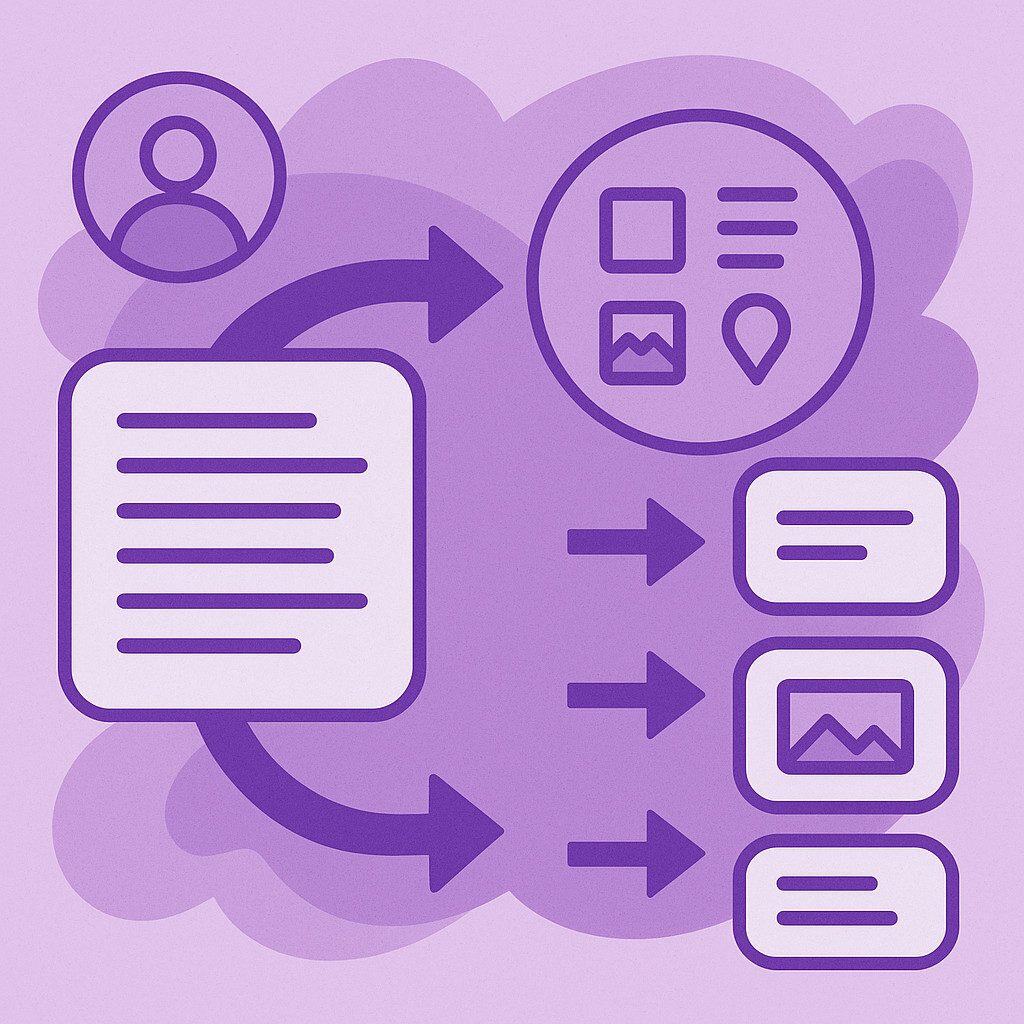
Now, let’s talk about modern building — Bricks Builder and Oxygen. Both are template-based builders that pull in dynamic data from your CPTs and ACF fields. Instead of hardcoding each page, you design one template and let it auto-fill with data from your database.
For example, I’ll design a single “Project” template in Bricks. Then ACF fields like project_title, project_gallery, and project_location feed right into the layout automatically. If a Kansas client adds a new project, it just appears — styled perfectly, no rebuild needed.
Same goes for Oxygen. You bind elements to dynamic data from ACF fields, and everything updates sitewide. It’s how we scale efficiently at MKS Web Design — one structure, many outputs.
Dynamic Data = Smarter Kansas Websites
When your WordPress site uses CPTs, ACF fields, and a builder like Bricks or Oxygen, you’re essentially separating content from design. That’s the same concept big CMS platforms use — and it’s what makes future edits easy.
Need to add a “Project Status” field? No problem — add it to ACF and it appears everywhere instantly. Want a new section showing “Completed Projects”? Just filter by ACF values. No rebuilding, no chaos, just clean dynamic logic.
When You Overuse One or the Other
Here’s where people mess up:
- They make 12 different CPTs when they only needed categories or taxonomies.
- They dump dozens of ACF fields into regular blog posts, bloating the admin.
Balance is key. You want structure, not clutter. Always think in terms of scalability — “will I need more of this later?” If yes, CPT. If no, probably just a field.
Final Thoughts
CPTs define types of content. ACF defines details. Together, they build the foundation of scalable WordPress architecture — and when paired with builders like Bricks and Oxygen, you unlock full control over design and data flow.
If you’re a Kansas web designer looking to elevate your WordPress builds, this workflow is gold. You can read more about how I use ACF Pro and CPTs across my Kansas client projects in my post on MKS Web Design.
