
Modern Email Systems and Why They Matter for Business Growth
As someone who’s been building digital systems and WordPress websites across Kansas, I’ve realized that the way we communicate is just as important as the design work we deliver. Not long ago, I wrote a full post on my agency site, MKS Web Design, explaining how switching from traditional email setups to cloud-based platforms completely changed the way I run my business. This post is a personal reflection on that shift and what I’ve learned from it.
Old Email Systems: Where It All Started
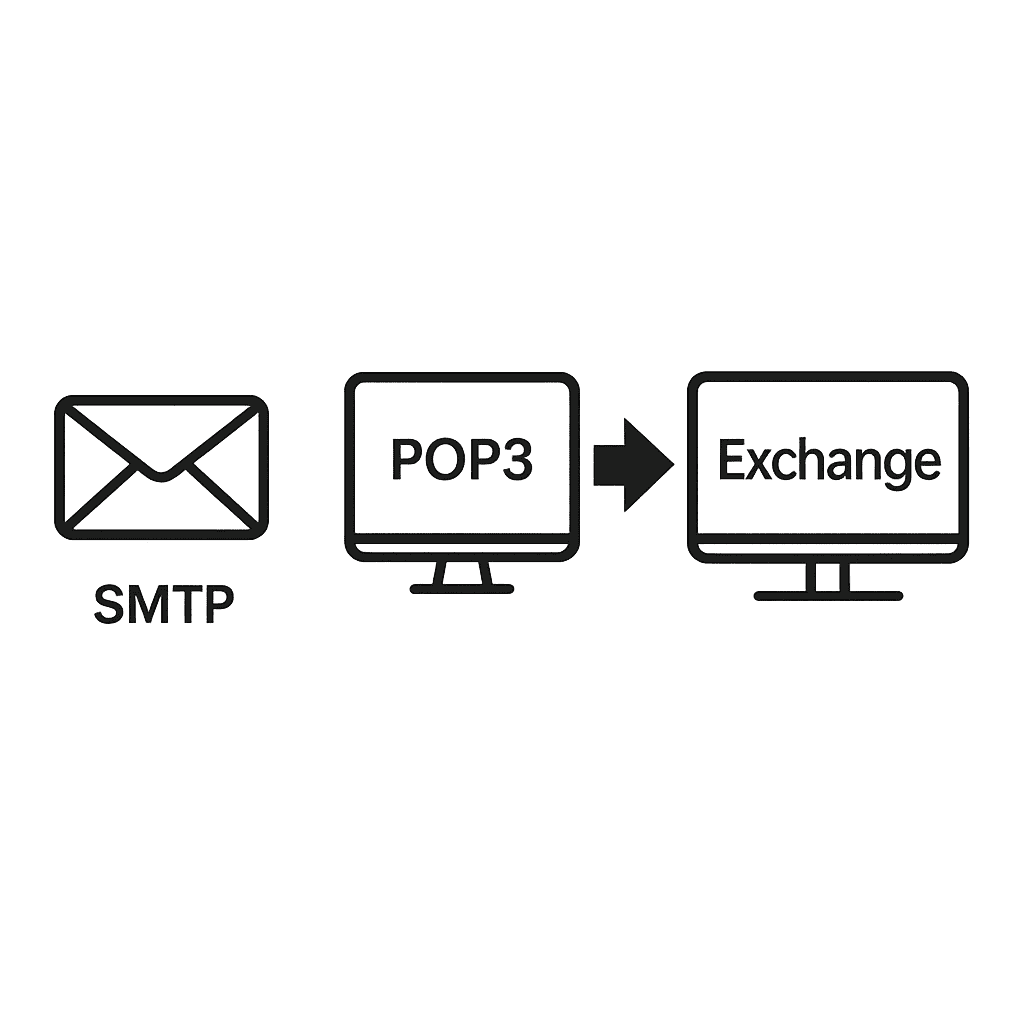
When I first launched MKS Web Design, my focus was entirely on client websites and branding. I wasn’t thinking much about infrastructure. My first email setup ran on basic SMTP and POP3—the same systems that powered email decades ago. They worked, technically, but they weren’t built for the way a modern business operates today.
- SMTP handled sending emails but offered no real synchronization or collaboration features.
- POP3 downloaded emails to one device and removed them from the server, meaning I couldn’t see the same inbox across my laptop and phone.
- IMAP was better, but still just a protocol—it didn’t include real-time document sharing or cloud storage integration.
These systems were fine when we all worked from one desktop, but for a distributed, multi-device business like mine, it quickly became a headache.
The Shift to Cloud Email
Moving to Google Workspace was a turning point. I already used Google tools daily—Docs, Sheets, and Calendar—so integrating email was natural. Instead of managing inboxes through outdated cPanel servers, my entire business communication became cloud-synced and secure.
Why Google Workspace Works
For me, the value wasn’t just in having a professional @mkswebdesign.com email—it was in everything else that came with it:
- Instant sync across devices — Whether I answer an email on my phone or laptop, everything stays in sync automatically.
- Built-in collaboration — I can link directly to Drive files, Docs, or Slides inside emails, and clients always have access to the latest version.
- Enterprise-grade security — Two-step verification, spam protection, and encrypted mail all happen automatically.
- 99.9% uptime — Downtime is virtually gone. I don’t even think about it anymore.
There’s also an unexpected benefit: focus. Instead of worrying about hosting issues or missed messages, I can stay centered on design, SEO, and strategy—the things that actually grow my business.
Alternatives for Other Businesses
Not everyone prefers Google’s ecosystem. Some of my clients use Microsoft 365 with Exchange Online, which delivers similar benefits: unified email, Teams integration, and strong admin tools for growing teams. Both are reliable and scale beautifully with small business growth.
There are also hybrid setups for tech-savvy users who want advanced routing or external spam filtering. Tools like Mailgun, Postmark, and SendGrid integrate seamlessly with WordPress for transactional email delivery—perfect for things like contact forms or notifications.
Why It Matters for Creatives and Entrepreneurs
Most freelancers and agencies I’ve worked with underestimate how much email systems affect workflow. Once you move to cloud-based email, you gain a sense of mobility that traditional hosting can’t match. Everything becomes frictionless—from scheduling calls in Google Calendar to linking shared folders with clients in Drive.
It’s the difference between juggling 10 disconnected tools and having one ecosystem that just works. Whether you’re a designer in Topeka, a photographer in Manhattan, or a small business owner in Kansas City—this setup lets you run your business from anywhere.
Integration with WordPress and Daily Tools
Because I build most of my sites in WordPress, integrating modern email systems is part of my workflow. Using authenticated mail (via WP Mail SMTP or direct API with Gmail) ensures messages actually reach the inbox instead of spam folders.
I’ve also linked my client portals and support systems using Fluent Forms and Atarim, so everything from client messages to project feedback stays within a unified digital ecosystem. It’s a small change with a big impact on efficiency.
Final Thoughts
This shift wasn’t just a technical upgrade—it’s been a complete mindset change. Moving away from SMTP and POP wasn’t about keeping up with technology trends; it was about creating stability, scalability, and simplicity. My clients get faster responses, my team stays aligned, and I spend less time troubleshooting tech and more time doing creative work.
If you’re still using outdated email systems, this is your sign to upgrade. Whether it’s Google Workspace or Microsoft 365, the shift to cloud email will save time, improve communication, and give your business room to grow.
For the full technical breakdown and Kansas web design case study, check out my detailed article on my agency blog: From SMTP to the Cloud.
