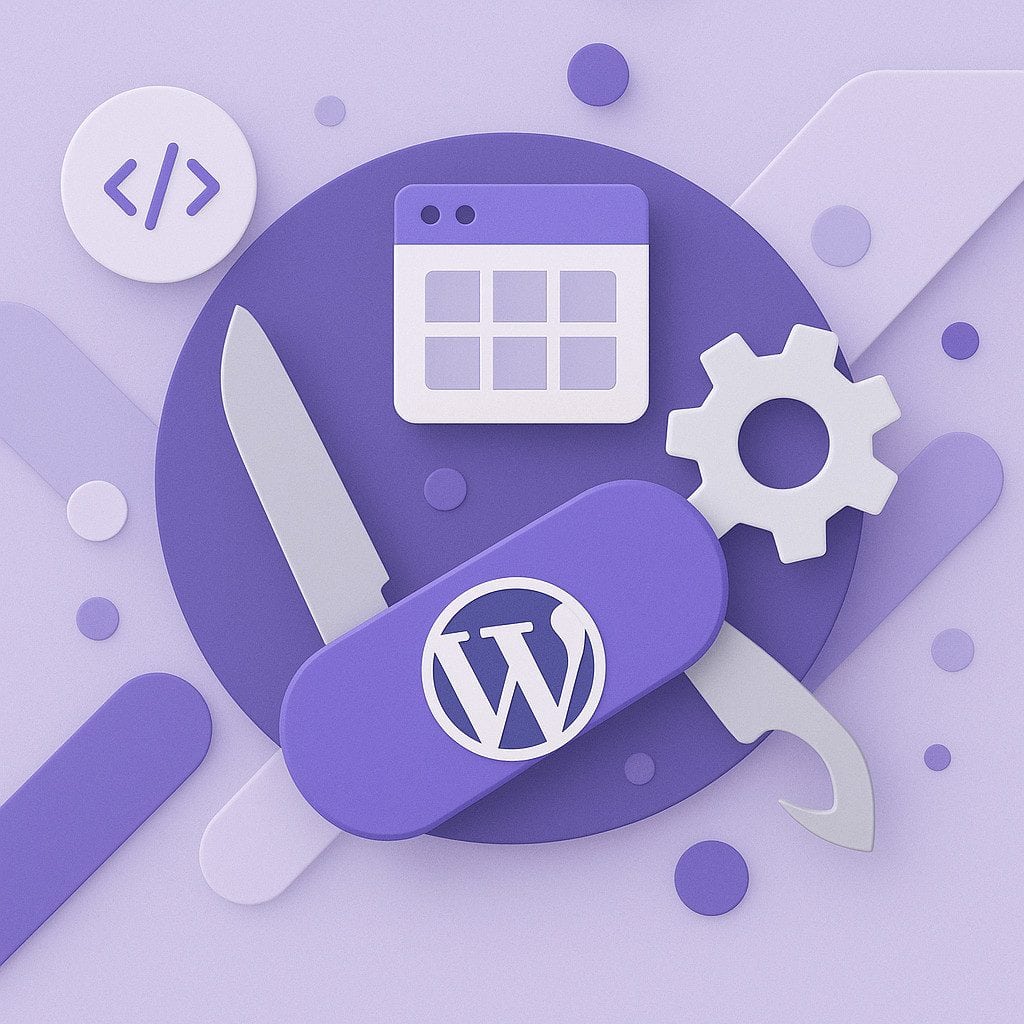
Why I Swear By Admin Site Enhancer for Every WordPress Project
I’ve been building WordPress sites for years now, and if there’s one plugin that’s become absolutely essential to my workflow, it’s Admin Site Enhancer (ASE). I’m not exaggerating when I say it’s changed how I approach WordPress development entirely.
Recently, I came across this excellent article from MKS Web Design ???? that perfectly captures why ASE is such a game-changer, especially for those of us working with modern page builders like Bricks and Oxygen. Their insights really resonated with my own experience, so I wanted to share my perspective on why this plugin deserves a spot in every WordPress developer’s toolkit.
The Plugin Bloat Problem We All Face
Let’s be honest—how many times have you installed a plugin just to add one tiny feature? Maybe it’s to duplicate a post, or hide a menu item for specific user roles, or add a custom post type. Before you know it, you’re juggling 20+ plugins, half of which barely get used but still slow down your site and create potential security vulnerabilities.
That’s where ASE completely flips the script. Instead of installing a dozen different plugins, you enable only the modules you actually need from one centralized dashboard. It’s modular, lightweight, and honestly? It’s brilliant.
What Makes ASE Different
The beauty of Admin Site Enhancer lies in its approach. Rather than being a one-trick pony, it’s more like a Swiss Army knife for WordPress. You get access to dozens of features that you can turn on or off depending on what each project needs.
Some of the modules I find myself using on nearly every project include:
- Custom Content Types – This one’s huge if you’re using ASE Pro. You can register custom post types, taxonomies, and field groups that work seamlessly with Bricks, Oxygen, and even Gutenberg. It’s become my go-to alternative to ACF Pro for many projects.
- Content Duplication – Sometimes you just need to clone a page or post. With ASE, it’s literally one click. The Pro version even lets you control who can duplicate content based on user roles.
- Admin Menu Organizer – Client sites can get messy fast. Being able to customize the admin menu, hide unnecessary items, and create a cleaner dashboard for clients has saved me countless support emails.
- Login Security – Built-in brute force protection without needing another security plugin? Yes, please. The Pro version adds IP whitelisting, which is perfect for client sites where I want to limit admin access.
- Custom Code Snippets – The Pro version includes a snippet manager that handles CSS, JS, HTML, and even PHP. It’s like having Code Snippets Pro built right in.

Perfect Integration With Modern Builders
Here’s something that really sets ASE apart: it plays incredibly well with page builders. Whether I’m working in Bricks Builder (my personal favorite), Oxygen, Elementor, or even sticking with Gutenberg, ASE’s custom fields and content types integrate naturally. There’s no wrestling with compatibility issues or hunting for documentation—it just works.
As the folks at MKS Web Design point out in their piece, this seamless integration is especially valuable for those of us working with Bricks or Oxygen. When you create a custom field group in ASE Pro, those fields are immediately available in your builder’s dynamic data system. No extra steps, no headaches.
Real-World Impact on My Workflow
I want to get practical for a moment and talk about how ASE has actually changed the way I work.
When I start a new WordPress project now, ASE is typically the second or third plugin I install (right after my page builder of choice). From there, I enable exactly the modules the project needs. For a simple business site, that might be 5-6 modules. For a more complex application with custom post types and frontend forms, I might enable 15-20.
The result? My sites stay lean, fast, and secure. I’m not loading unnecessary code, and my plugin dashboard doesn’t look like a phone book. More importantly, when I hand off a site to a client, they get a clean, purpose-built admin interface without all the clutter that typically comes with WordPress.
Just last month, I built a real estate site that needed custom property post types, frontend submission forms, and advanced admin column sorting. In the past, that would’ve meant installing ACF Pro, a separate forms plugin, probably Admin Columns Pro, and a few other odds and ends. With ASE Pro, I handled all of it through one plugin. The site runs noticeably faster, and maintenance is significantly easier.
The Free Version vs. Pro: What You Need to Know
The free version of ASE is genuinely useful—it’s not one of those “freemium” plugins that cripples the free version to push upgrades. You get solid features like content duplication, menu organization, login limiting, and media enhancements without paying a dime.
That said, ASE Pro is where things really take off. The custom content types module alone justifies the investment for me, but you also get the form builder, code snippet manager, advanced CAPTCHA options, image optimization controls, and frontend content submission. If you’re building client sites professionally, Pro quickly pays for itself by replacing multiple premium plugins.
The pricing is more than fair compared to buying individual solutions for each feature ASE Pro provides. You’re looking at a one-time investment rather than a stack of annual subscriptions.
Who Should Use ASE?
In my opinion, ASE is valuable for pretty much anyone working with WordPress, but it’s especially powerful for:
- Freelancers and agencies who manage multiple client sites and need consistency across projects
- Developers using modern page builders like Bricks, Oxygen, or Breakdance who want tight integration with custom content
- Anyone concerned about site performance who wants to reduce plugin count without sacrificing functionality
- Site owners who want better security without the overhead of full security suites
Basically, if you care about building lean, professional WordPress sites, ASE should be on your radar.
What Others Are Saying
I’m not alone in my enthusiasm for this plugin. The WordPress community has been increasingly vocal about ASE’s benefits. I’ve seen comments like “ASE replaces the entire suite of plugins I used to install on every site” and “I dropped all my paid plugins to use ASE exclusively.”
That kind of feedback speaks volumes. When people are willing to replace their existing plugin ecosystem with a single solution, you know it’s doing something right.
My Bottom Line Recommendation
After using ASE extensively over the past couple of years, I can confidently say it’s become foundational to how I build WordPress sites. It’s not just a useful plugin—it’s genuinely changed my entire approach to WordPress development.
If you haven’t tried Admin Site Enhancer yet, I’d encourage you to install the free version on your next project and enable a few modules that address your common pain points. My guess is you’ll be impressed enough to explore the Pro features, and from there, it’ll likely become as essential to your workflow as it has to mine.
For more detailed insights about specific features and use cases, I highly recommend checking out the comprehensive guide from MKS Web Design. They’ve done an excellent job documenting the full scope of what ASE can do.
Have you used ASE? I’d love to hear about your experience in the comments below. And if you have questions about implementing it on your own projects, feel free to reach out—I’m always happy to talk WordPress workflows.
